 BestAmazonBooker
Amazon Relay automation
Book loads with precision.
A draggable widget inside Amazon Relay that searches, filters, and books loads — without leaving the load board.
See how the widget works ↓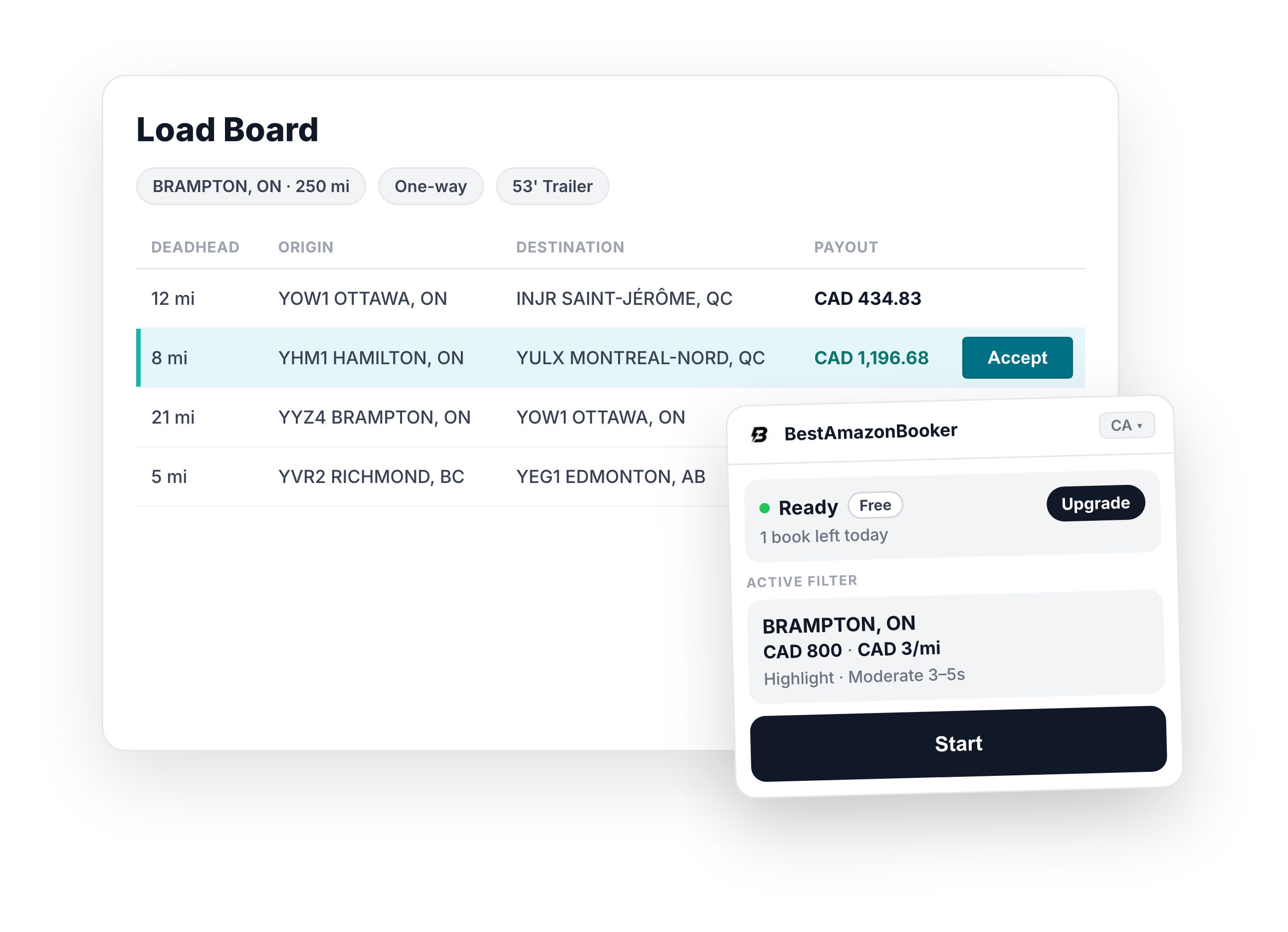
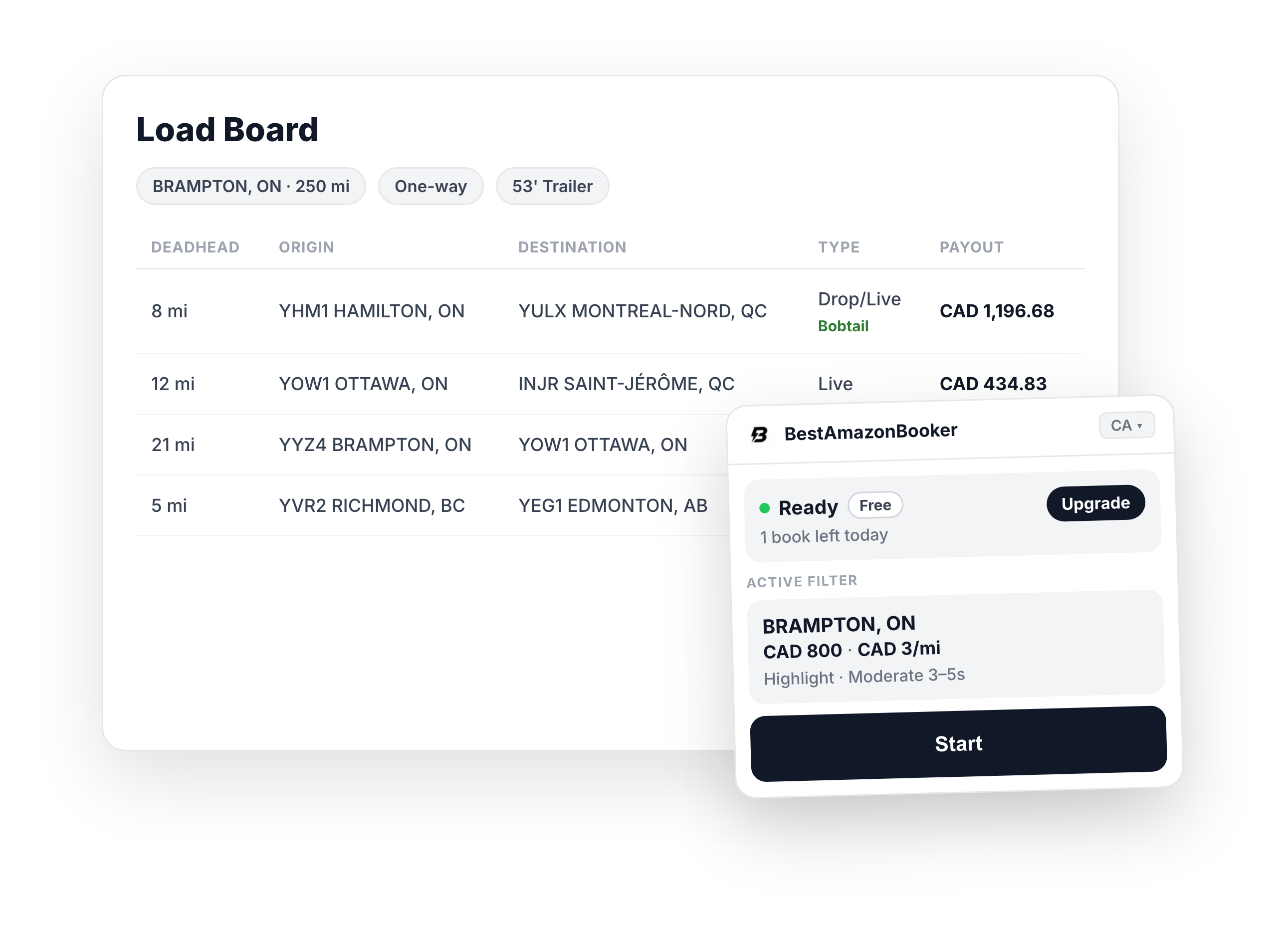
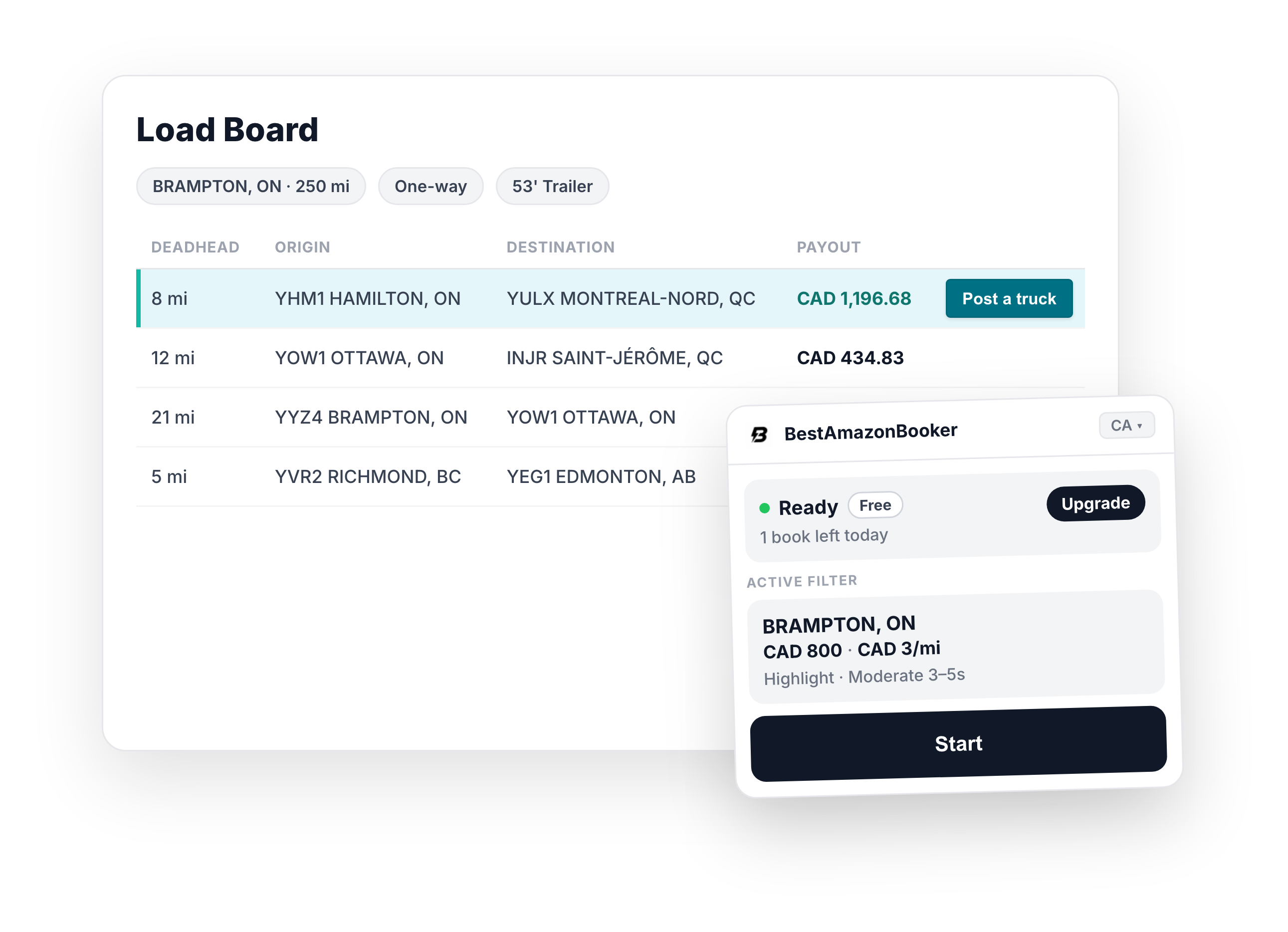
Extension views
See it inside Relay
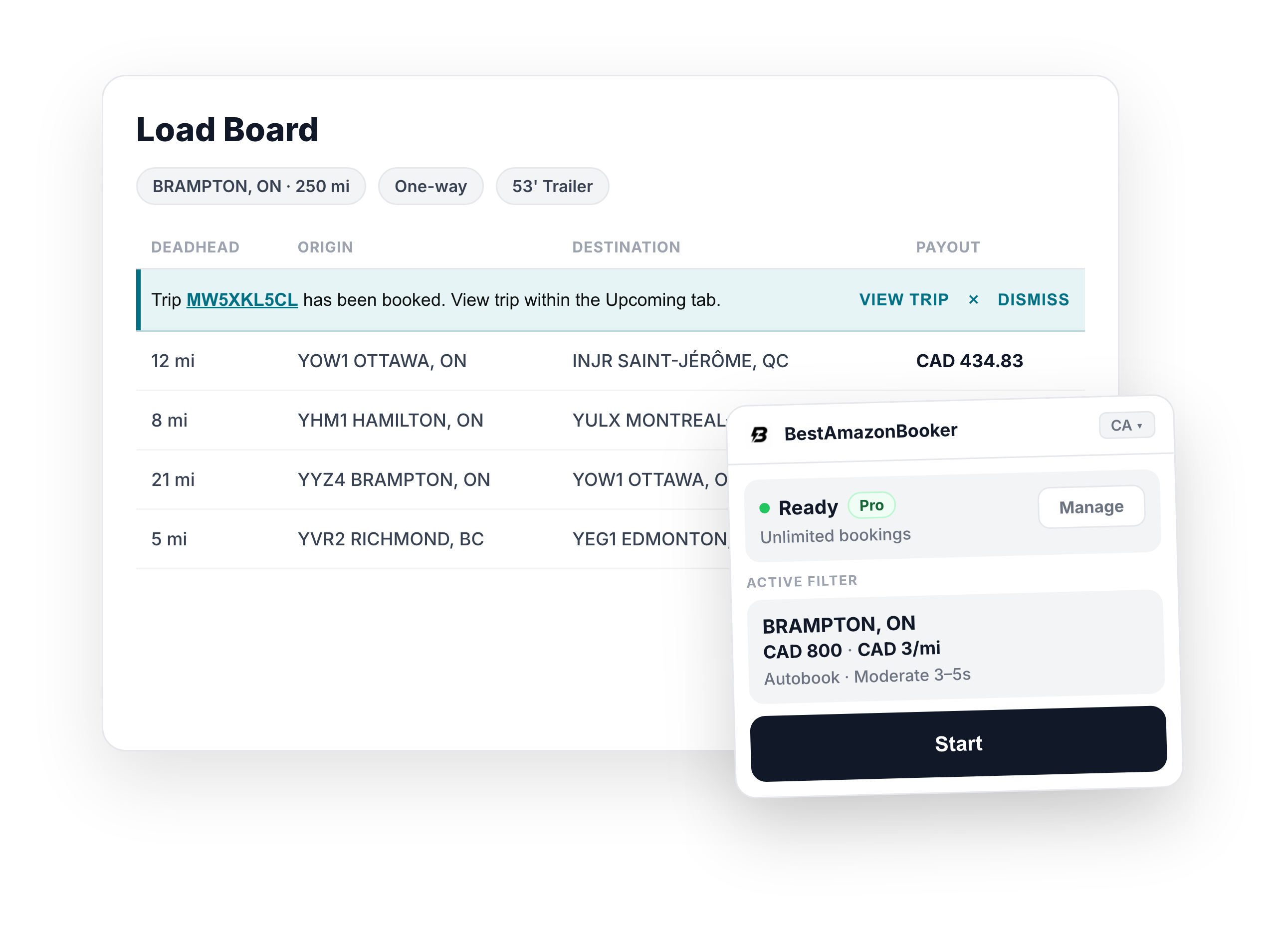
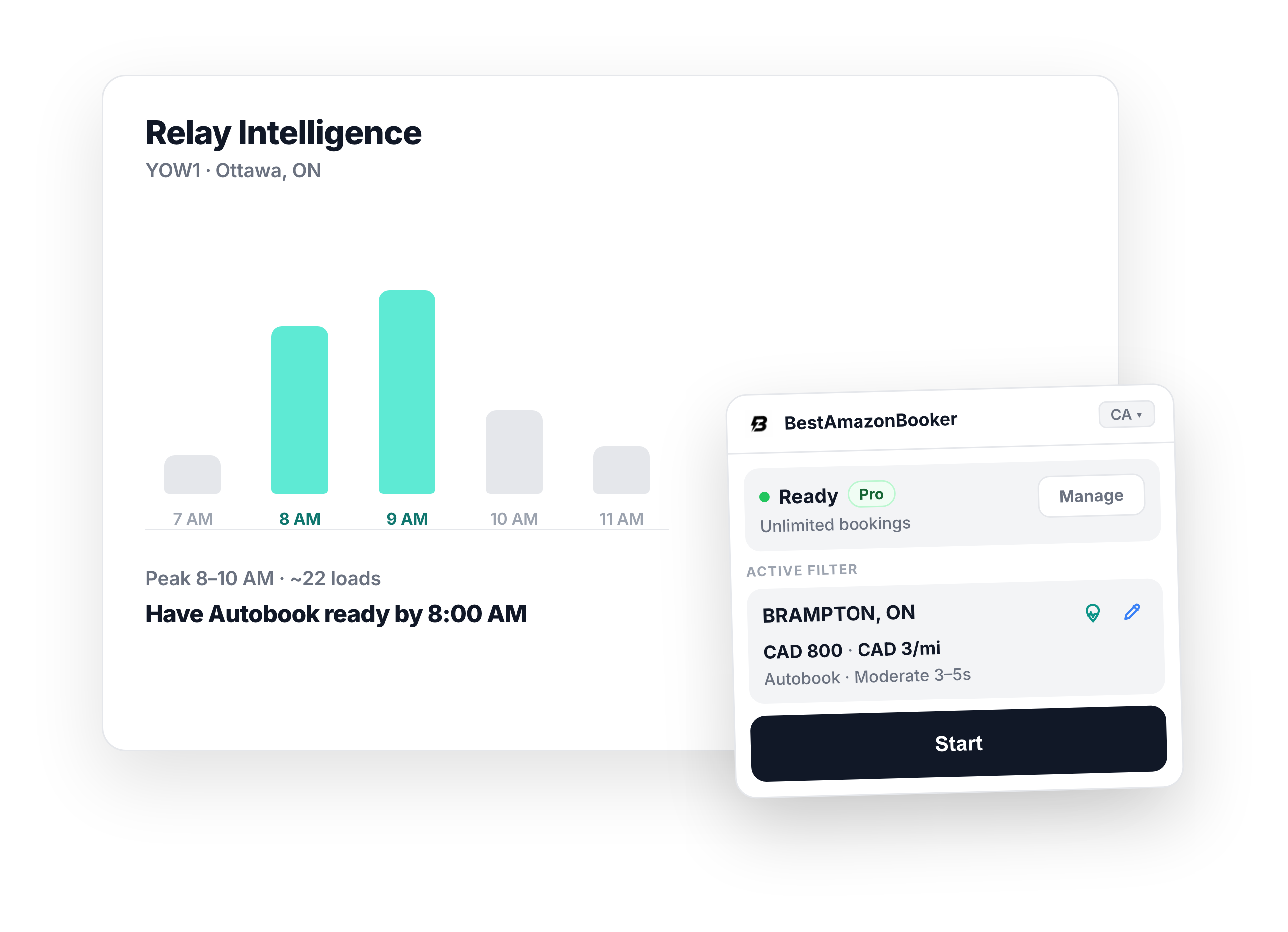
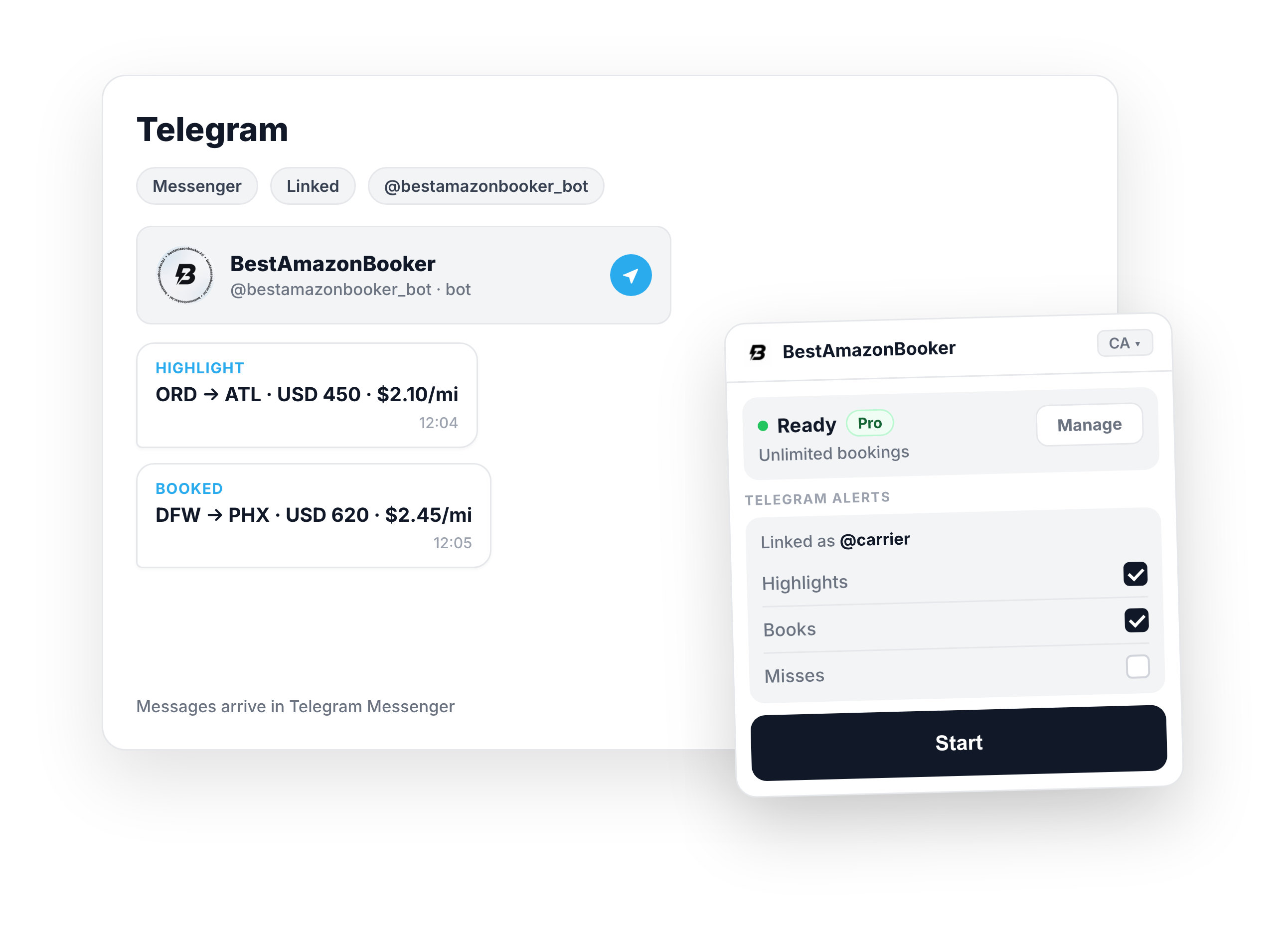
A draggable widget that lives on the load board — not a popup, not a side panel. Walk the flow from intel to match, then see how alerts reach Telegram.
Flow: RI → Onboarding → Sign in → Ready → Configure → Running → Highlight → Autobook → Bobtail → Post truck → Telegram
 BestAmazonBooker
Idle
One click to start
Plan status, active filter, and Start — configure thresholds anytime with Edit.
Guides
Better decisions on the Relay board
Start with bobtail loads and pickup weight on the board, then Telegram alerts, Chrome helper setup, posting vs hunting, and named comparisons.
- 01Bobtail load on Amazon RelayWhat a bobtail load is, how it differs from empty freight, and how to spot it in the list.
- 02Amazon Relay load weightPickup weight and Empty on the board — not the same as a bobtail load.
- 03Amazon Relay Telegram alertsLoad highlights, books, and misses on your phone — link once in Options.
- 04Amazon Relay Chrome helperBobtail, weight, and Telegram — then install from the Chrome Web Store.
- 05Post a truck vs hunting the boardWhen to offer capacity vs hunt — and Pro Post a truck from a load.
- 06Dispatcher workflow quizAdaptive quiz — find your Relay profile and a 3-step playbook in ~10 questions.
- 07Amazon Relay autobookControlled booking with filters — Free vs Pro limits and highlight vs autobook.
- 08Refresh intervalsSlow, Moderate, Fast, and Manual — how board refresh pacing works.
- 09One-click bookAccept on highlighted matches — speed with human control.
- 10Compare Relay auto bookersNamed comparisons: LoadFetcher, Rocket Relay, RGD Auto Booker — plus helper vs speed-tool split.
Ready to book faster?
Install the Chrome extension and open Amazon Relay. The widget appears automatically on the load board.
Add to Chrome